Save · organize · share
Collect what inspires you.
Organize what you create.
Save links from any app, connect your socials, and turn posts into shareable playlists. Start on your iPhone — no account needed.
What you can build
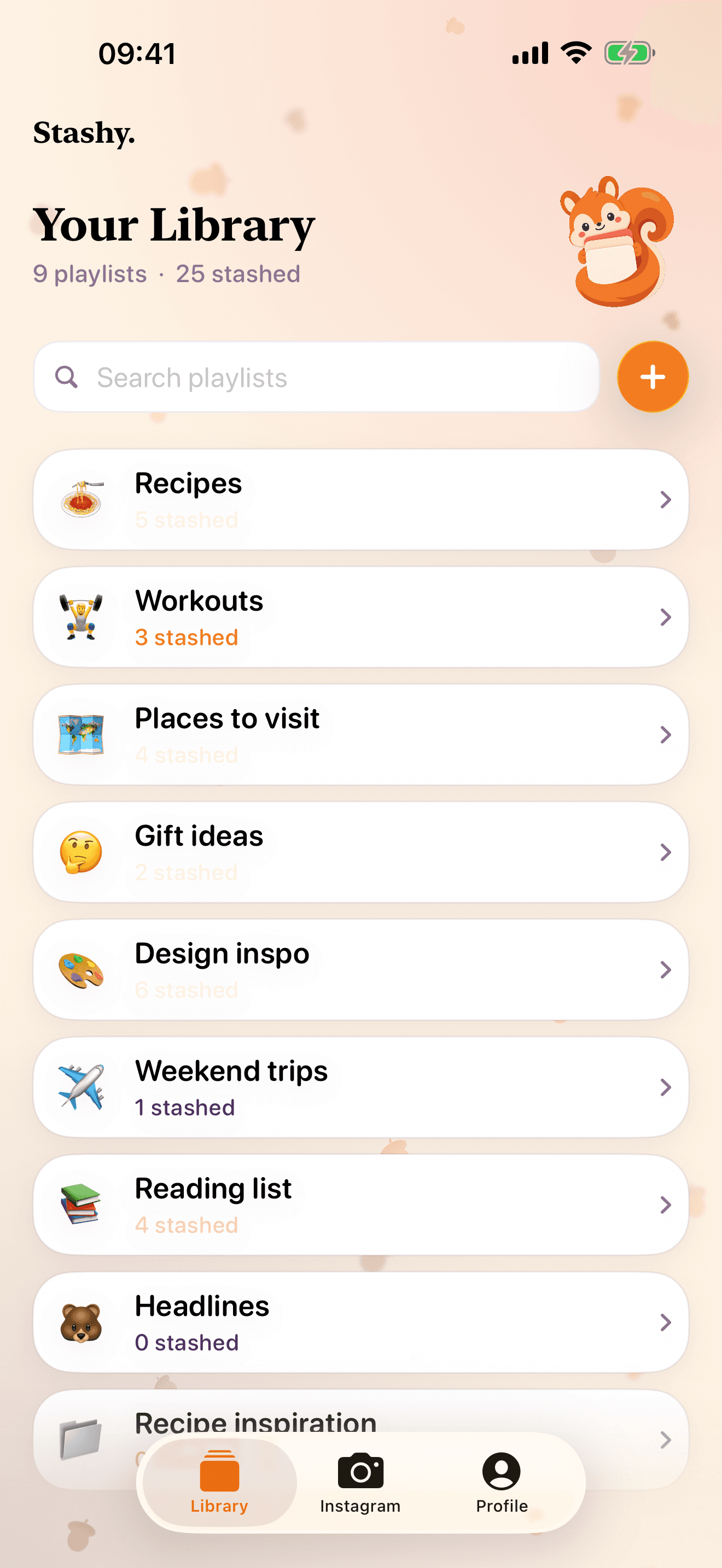
Recipe inspiration12 stashed My best videos8 stashed Morocco guide18 stashed · Public Weekend reads9 stashed
How Stashy works
Save a link from any app, or connect a Creator account and build a playlist from your own posts.
- 1
Find something worth keeping
Discover a recipe, workout, place, or useful post anywhere on the web or in an app.
- 2
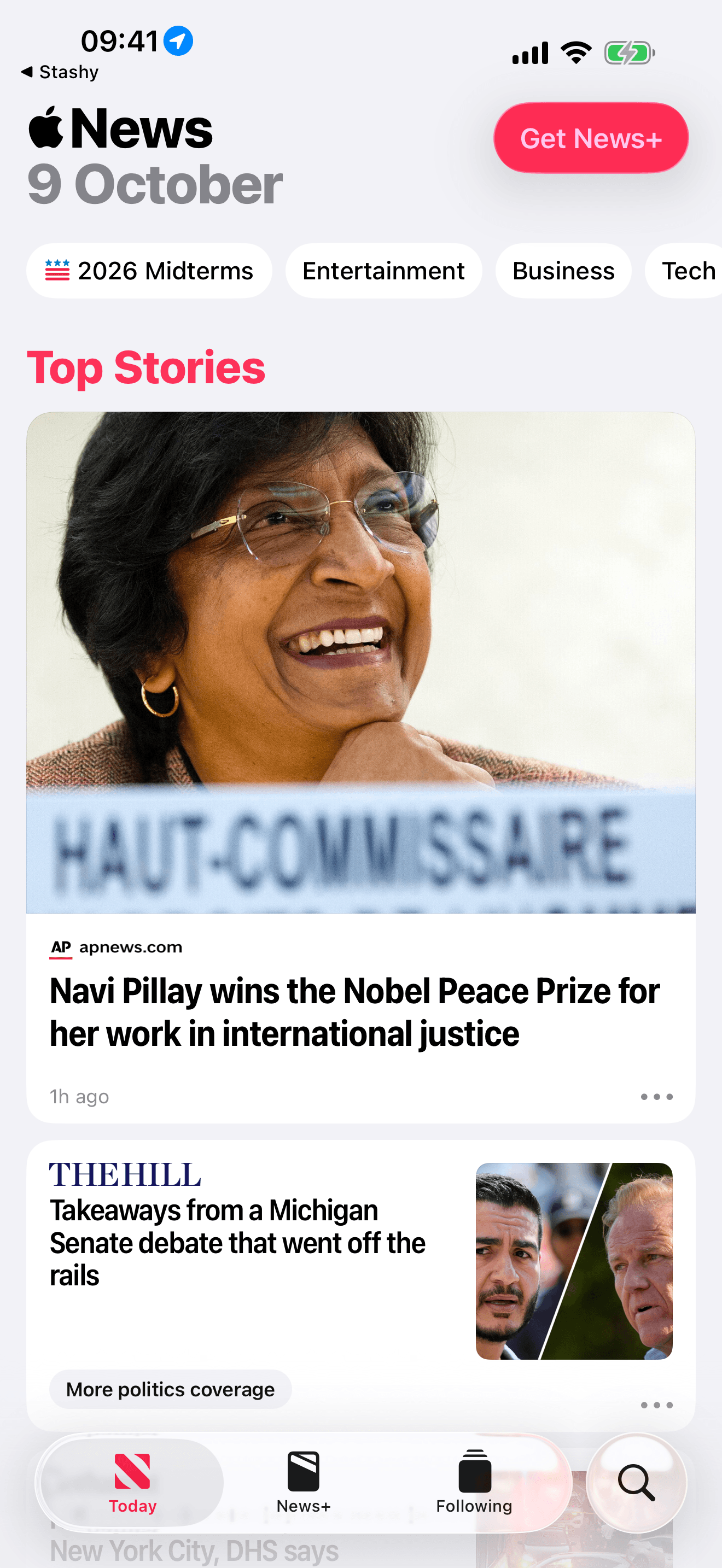
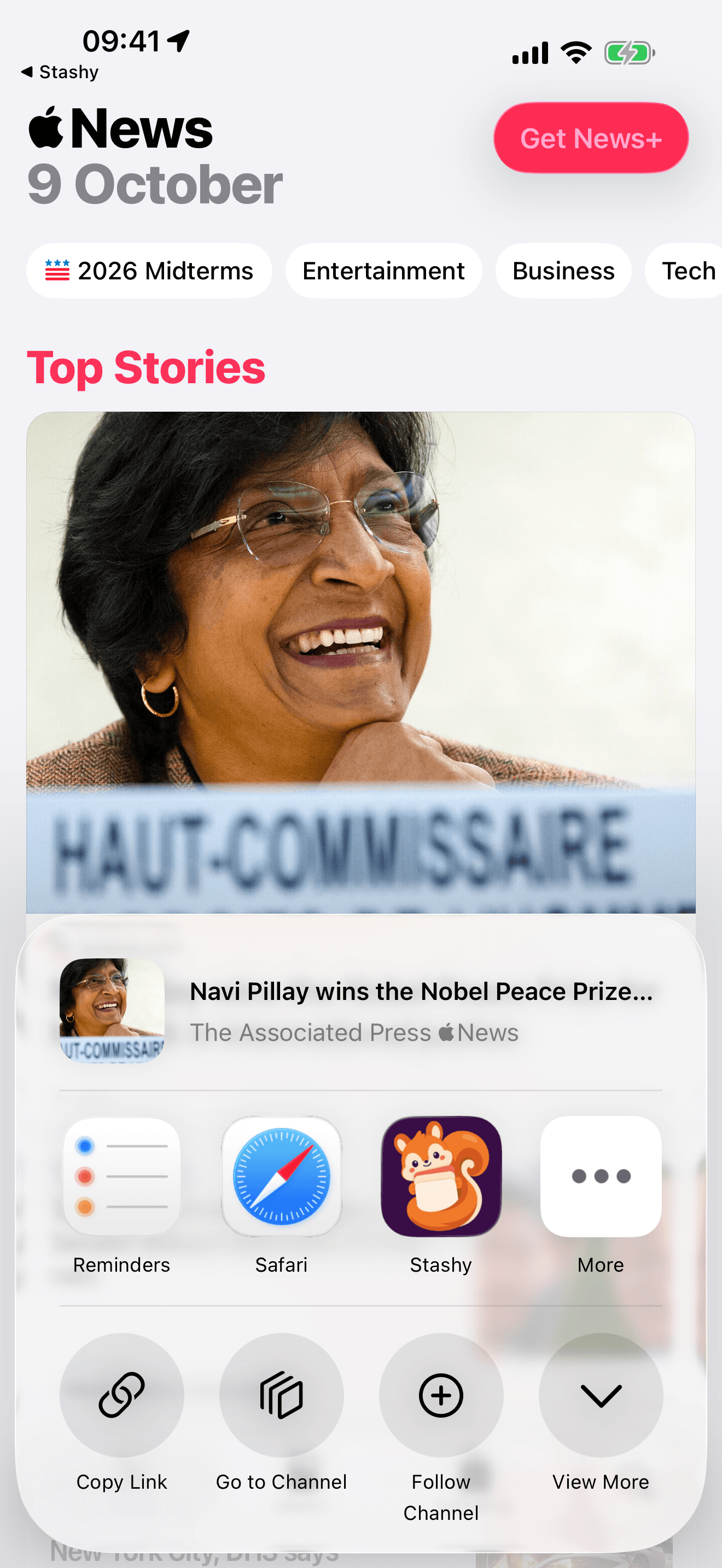
Share it to Stashy
Open the share menu and choose Stashy. That opens Stash it.
- 3
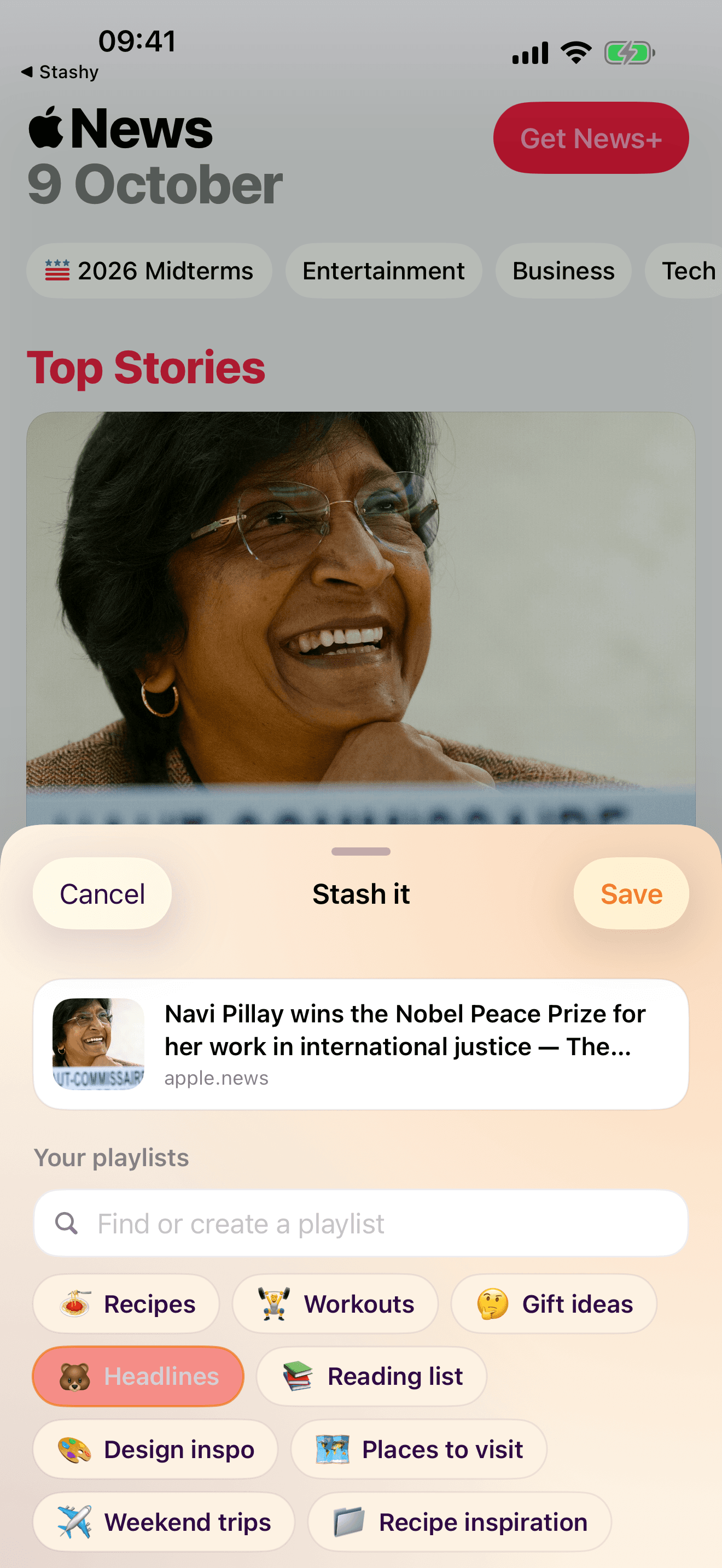
Stash it into a playlist
Pick a playlist, or make a new one. It stays in your Library, and you can share the whole playlist later.
- 4
Use your own posts
Connect a Creator account to see your posts. Pick several and add them to a playlist.
 kitchen.notesKitchen Notes18 posts 240 followers 90 followingSearch captionsAdd 2 to playlist
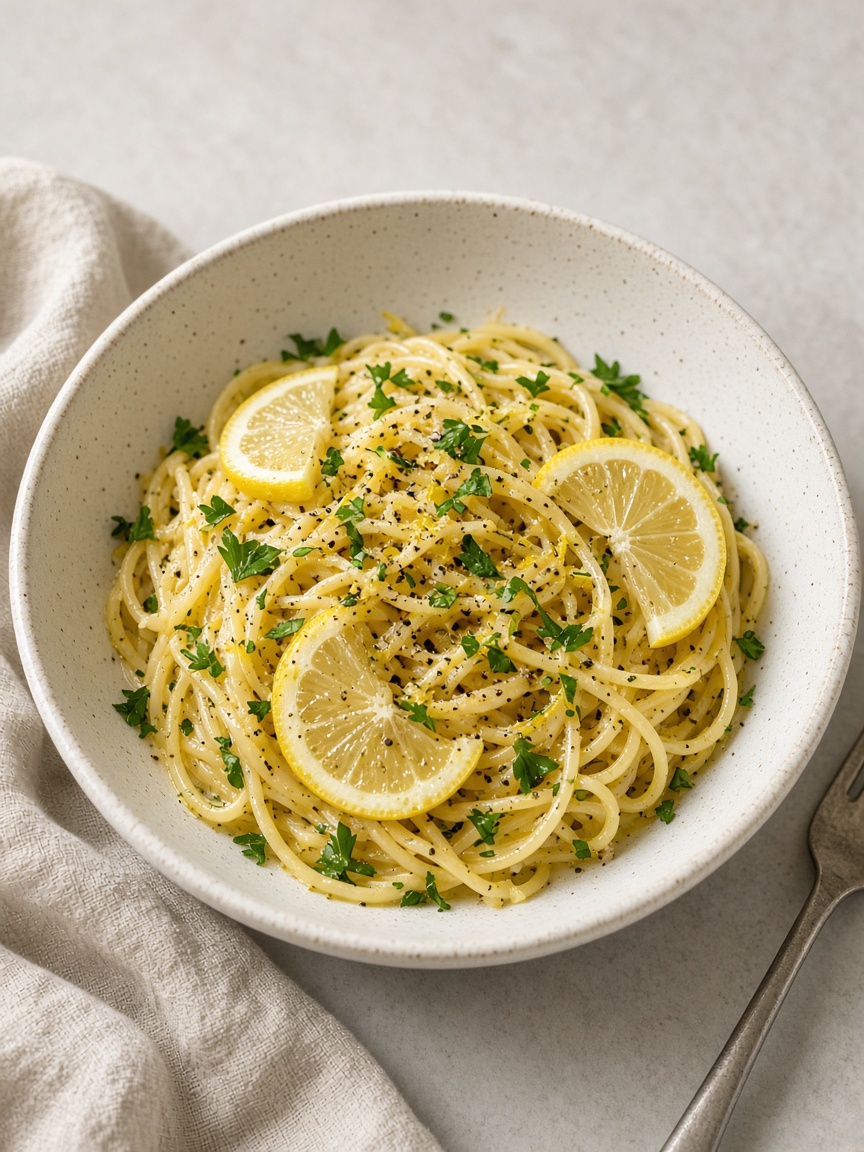
- Weeknight lemon pastaInstagram · instagram.comUnder 20 minutes if the pasta water is already boiling.
- Crispy chickpea saladYouTube · youtube.com
- Harissa roasted veggiesTikTok · tiktok.comDouble the harissa.
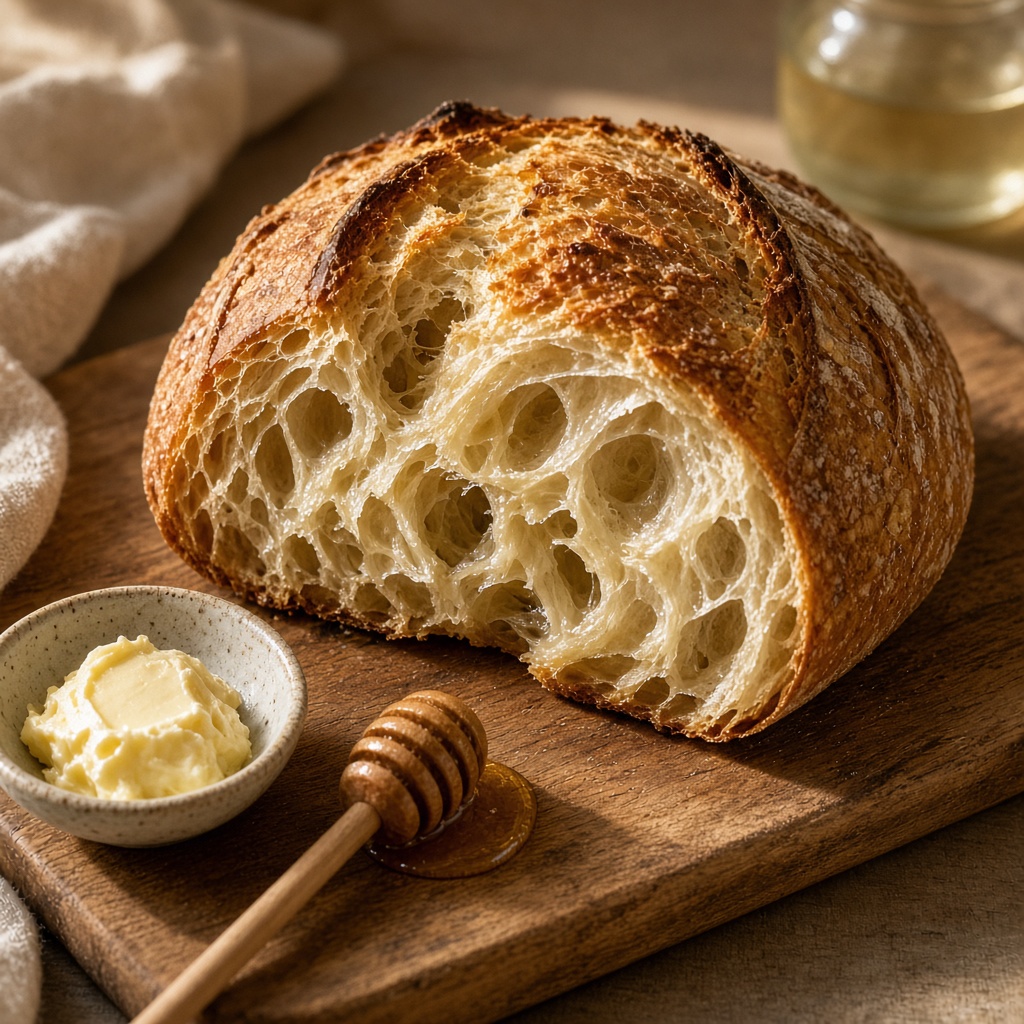
- Sourdough starter noteskingarthurbaking.com

Questions
- Do I need an account to start?
- No. Start stashing on your iPhone without signing in. Sign in with Apple is there when you already use Stashy.
- Do I need to connect a social account?
- No. Save links with the share sheet without connecting anything. Instagram is optional, and only a Creator or Professional account can connect, so you can add several of your own posts at once.
- What can I save?
- Links from apps that support Share — Instagram, TikTok, YouTube, Safari, and others. Stashy keeps the link and a preview when one is available, not a download of the post.
- Do friends need the app to open my playlist?
- No. Anyone with the link can open the playlist in a browser.
Give your favorite posts a place to stay.
Save links into playlists. Share a playlist when you want to.